
Buying a new monitor? Here are the features you need to know
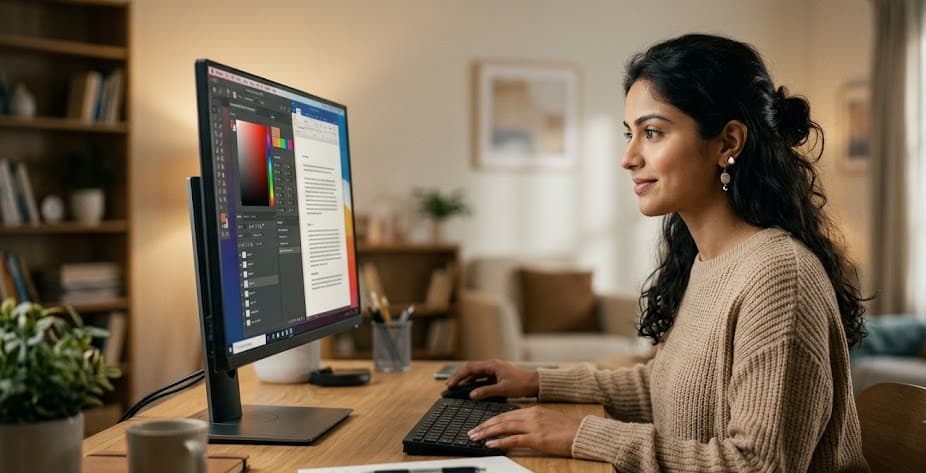

Times have changed, and so has the nature of work. From office documents to online classes, gaming, or creating content for YouTube and Facebook — everything now revolves around one central object: the computer screen. People spend a large part of their day sitting in front of this illuminated display. Naturally, the question arises: how mindful are we when choosing the device we stare at for so long?
According to tech experts, many people still limit their monitor-buying decision to just price or screen size. Yet choosing this everyday companion requires considering several subtler factors, directly tied to eye comfort and long-term wellbeing.
Understanding panel types matters
Browse the market and you'll come across various display technologies — IPS, VA, or OLED. Among these, IPS panels offer relatively wide viewing angles and more natural color representation, making them a preferred choice for everyone from regular users to office workers and content creators. Experts note that for continuous reading or document work, IPS panels are a comparatively safer choice, since consistent color reproduction means the eyes don't have to work as hard to adjust.
Matching screen size with viewing distance
Choosing a monitor size can't be reduced to a single rule; it depends on how you use it and how far you sit from it. A 24-inch screen still works fine for general office or study use, but by today's standards, 27 inches is considered the most balanced size — striking a sweet spot between comfort, price, and performance. For those working with large spreadsheets, immersed in video-editing timelines, or juggling multiple windows at once, a 32-inch monitor may also be a good fit. But caution is needed here too — choosing a screen too large for your desk depth and sitting distance forces the eyes and neck to move back and forth repeatedly, which ends up causing more fatigue rather than less.
Comfort hidden behind clarity
The higher the resolution, the sharper text and images become. For those who work with documents or text for long stretches, QHD or Full HD resolution on a 24- to 27-inch IPS panel is considered a comfortable standard, since reading blurry or unclear text for long periods can put extra strain on the eyes, gradually turning into fatigue.
Guarding against blue light and flicker
Most modern monitors nowadays come with blue-light reduction features, which can offer some relief during long working hours at night. Alongside this, flicker-free technology is no less important — a screen's extremely subtle flicker may go unnoticed for long periods, but it can silently add to eye fatigue. Experts also offer a word of caution: don't assume a monitor is effective simply because its advertising uses the phrase "eye care." Instead, it's wiser to check for genuine flicker-free certification and how reliably it's actually implemented.
Balancing brightness, color, and speed
There's no need to keep a monitor's brightness at maximum at all times; it's more comfortable to adjust it in line with ambient lighting. Many modern monitors' automatic brightness control features are quite useful for this. A clear understanding of refresh rate also helps — 75Hz is sufficient for general office work, but for those who regularly game or do speed-dependent tasks like video editing, a higher refresh rate monitor can offer a much smoother experience.
It's not just about the device — mindful habits matter too
Buying an expensive or advanced monitor won't solve every eye-related problem on its own — it isn't that simple. Alongside it, proper usage habits are essential: maintaining an appropriate distance from the monitor, keeping the top of the screen at or slightly below eye level, and developing the habit of looking at a distant object for at least a few seconds every 20 minutes. These small habits play a major role in preventing long-term eye fatigue.
Computers today are no longer just work tools — they've become an inseparable part of daily life. So when choosing a monitor, price and external design should be given equal weight alongside actual display quality, blue-light protection, flicker-free technology, appropriate size, and above all, proper usage habits. Keeping all these factors in mind together makes it possible to spend long hours in front of a screen while keeping your eyes lively and fatigue-free.
Leave A Comment