

Change your Google Account username
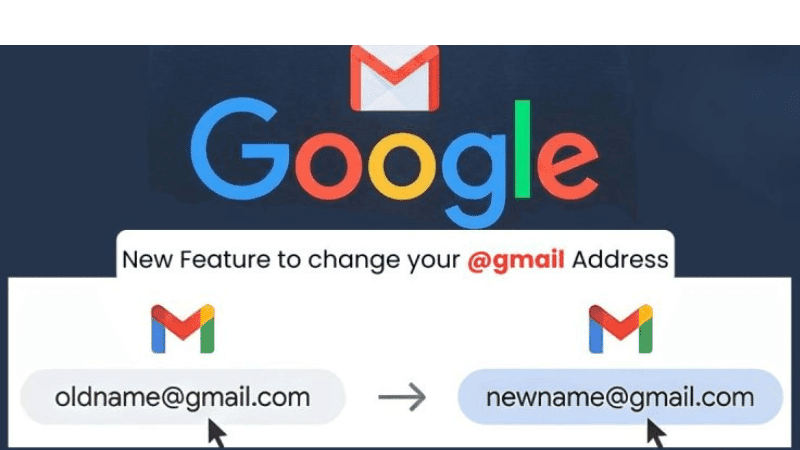

Email addresses are an important part of digital identity, and many people use Gmail for their communication. However, once a Gmail account was created, users previously had no option to change the address. As a result, people often had to open a completely new account if their old address became outdated or irrelevant.
To solve this problem, Google has introduced a new feature that allows users to change the first part of their Gmail address without losing any data.
According to Google, this feature will allow users to modify the portion before @gmail.com. After changing the address, the old email address will remain active. This means emails sent to either the old or the new address will appear in the same inbox. Users will also be able to send emails using the old address if needed.
As a result, users will not have to update their email address separately for different services. At the same time, all existing emails, photos, and other data stored in the account will remain unchanged.
How to change a Gmail address
The process is the same across desktop, Android, and iOS devices. To change the Gmail address:
Sign in to your Google account.
Go to Personal Info.
Select Change Google Account Email.
Enter your preferred new username to check if it is available.
Google also mentioned some limitations. Users can change their username up to three times, and they can return to the previous (alternative) Gmail address at any time. Therefore, users should choose the new name carefully.
The option to change Gmail addresses has been widely discussed in the tech world for some time. Google said the feature is being rolled out gradually to all users.
Leave A Comment
You need login first to leave a comment