
Facebook introduces ‘Verification Selfie’ feature to add another layer of account security
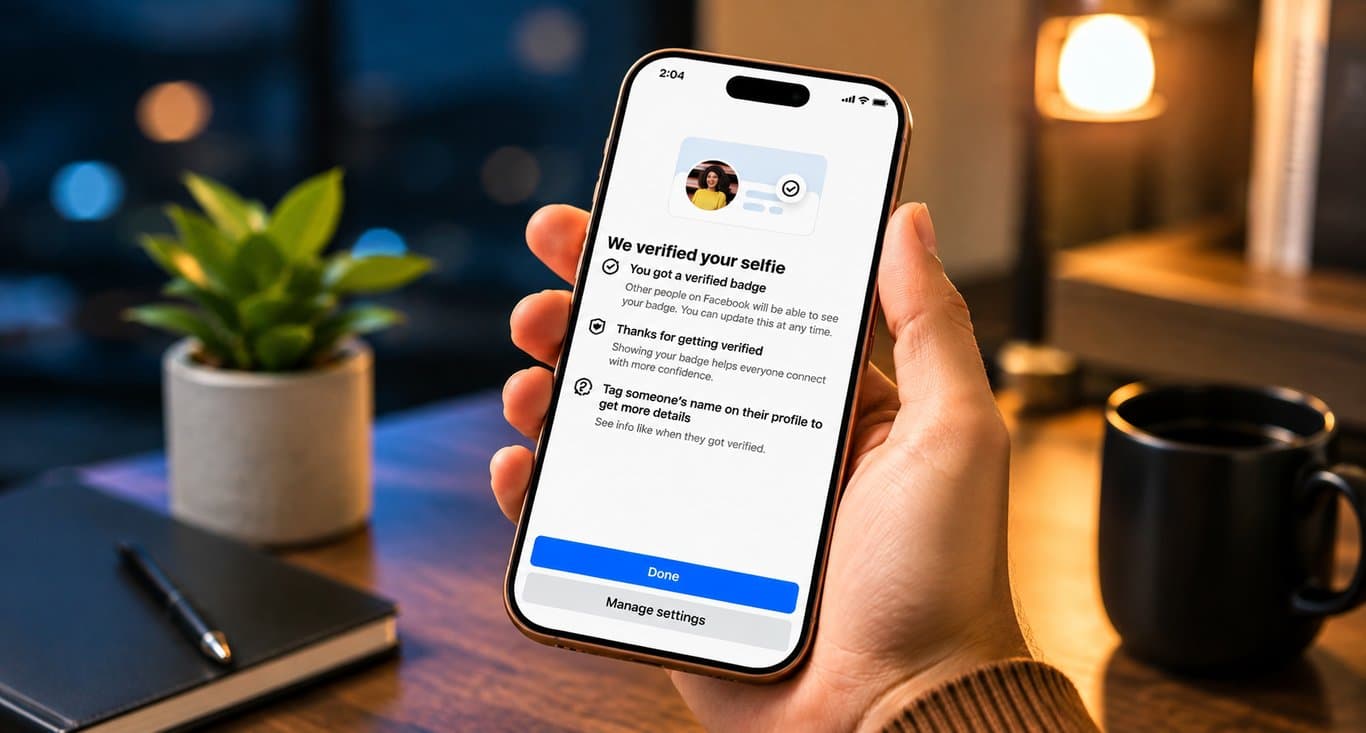

As Facebook accounts increasingly store personal photos, videos, messages and other sensitive information, losing access to an account has become a major concern for users. To strengthen identity verification, Facebook offers a security feature known as ‘Verification Selfie’, which can help confirm that the person trying to access an account is its legitimate owner.
The feature uses a selfie-based identity check as an additional layer of protection. If Facebook detects suspicious activity, the verification process may help establish the account holder’s identity. However, enabling the feature does not guarantee complete protection against hacking.
How to enable Verification Selfie
To turn on the feature, open the Facebook app and follow these steps:
Tap the three-line menu in the top-right corner.
Go to Settings & Privacy and select Settings.
Open Accounts Center.
Select Password and Security.
Look for Verification Selfie and select it.
Choose the Facebook account for which you want to enable the feature.
Tap Next. A verification code will be sent to the email address linked to the account.
Enter the code and tap Next.
Select Start Selfie and allow Facebook to access the phone's camera.
Follow the on-screen instructions to complete the selfie verification. Users may be asked to move their head or look in specific directions during the process.
Selfie verification alone is not enough
Cybersecurity experts caution that enabling selfie verification should not be considered a complete safeguard against account compromise.
Users should also maintain a strong, unique password, enable two-factor authentication (2FA) and avoid clicking suspicious links or responding to unknown messages. Regularly checking login activity and keeping the email address and phone number linked to the account active can also improve account security.
As cybercriminals continue to develop new phishing and social-engineering techniques, relying solely on a password is increasingly risky. Using multiple layers of security, along with basic online safety practices, remains one of the most effective ways to protect a Facebook account.
Leave A Comment