
Turn your old smartphone into a Wi-Fi extender
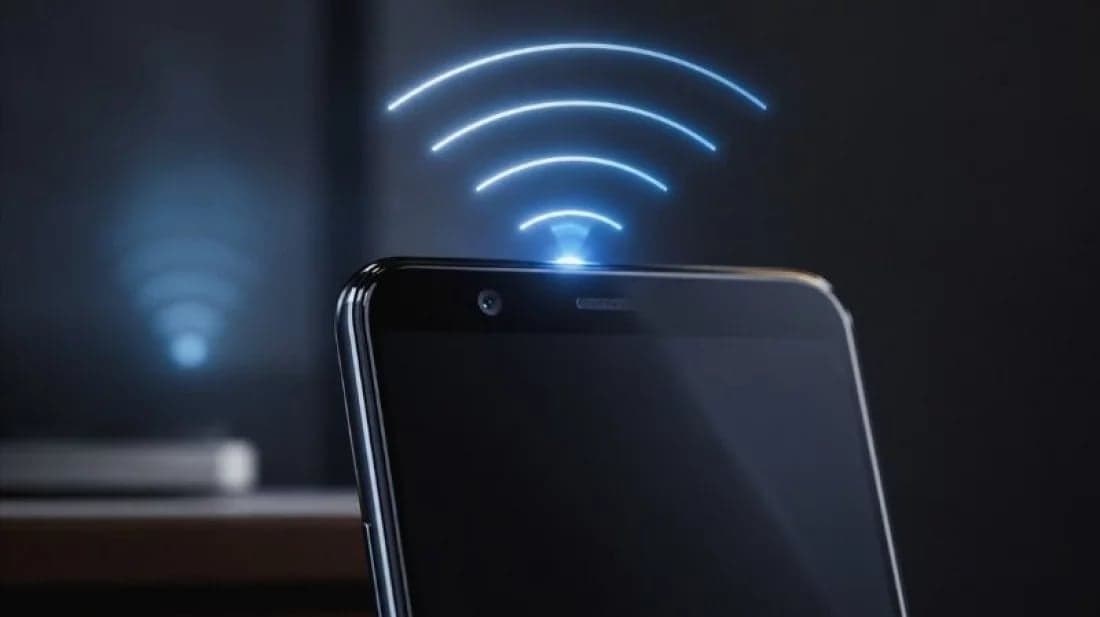

A spare smartphone sitting unused at home can provide a temporary solution for weak Wi-Fi coverage without the need to buy a new router or extender.
If the phone supports Wi-Fi and hotspot functionality, it may be possible to connect it to the main Wi-Fi network and rebroadcast the connection. However, the feature is not supported by every smartphone and depends on the device model and software.
First, make sure the old phone is working properly, updated and sufficiently charged. Since keeping a hotspot active can drain the battery quickly, place the phone somewhere it can remain connected to a charger and monitor it for excessive heat.
Connect the phone to the home Wi-Fi network through its Wi-Fi settings. Then go to the hotspot or hotspot-and-tethering settings and enable the Wi-Fi hotspot. On some Android devices, the feature can also be activated from the quick-settings panel.
If supported, customise the hotspot name and set a strong password. Users may also be able to choose between 2.4GHz and 5GHz bands. While 5GHz can offer higher speeds at shorter distances, 2.4GHz generally provides better coverage through walls and over longer distances.
For the best results, place the phone roughly midway between the main router and the area with weak coverage. Putting it in a location where the original Wi-Fi signal is already poor will not improve the connection.
There are some limitations. The setup cannot increase the internet speed provided by the main connection and may actually reduce speeds because the phone has to receive and retransmit data. It also will not provide the seamless roaming experience of a dedicated mesh Wi-Fi system.
An old smartphone can therefore serve as a convenient short-term solution for extending Wi-Fi coverage to a specific area. For reliable, long-term coverage and better performance, however, a dedicated Wi-Fi extender or mesh system remains the better option.
Leave A Comment